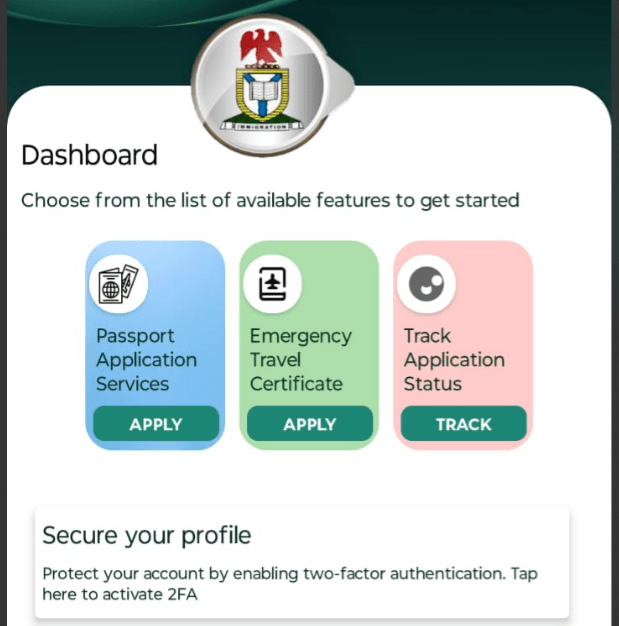









step by step process
- Download the App
- Download and install the application from the relevant mobile app store.
- Create a Profile
- Register a profile and activate your account using a valid email address.
- Access Application Services
- Click on the ‘passport application services’ tab on the landing page.
- Start Application Process
- Follow the passport application instructions and select the self-enrolment option.
- Complete Payment
- Make the required payment and note your Application ID and Reference Number.
- Biometric Enrolment Option
- Select the contactless biometric enrolment option in the passport application services.
- Check Eligibility
- Enter your Application ID and Reference Number to verify eligibility before proceeding.
- Appointment Booking (If Ineligible)
- If you are not eligible for contactless biometric enrolment, book an appointment via the NIS passport application portal:
www.passport.immigration.gov.ng
- If you are not eligible for contactless biometric enrolment, book an appointment via the NIS passport application portal:
- Mail Current Passport
- Mail your current passport to the designated embassy with a self-addressed envelope.
- Failure to comply with this step may result in the non-issuance of your new passport.
- Home Delivery
Wait for your new passport to be delivered to your registered address within the expected timeline.